
Creating a custom Photera game is easy! All you need is a Google Sheet with your game’s events and images. No account required.
The quickest way to start:
The template has two sheets:
See the template game in action here.
The sheets are pretty self-explanatory, but here are some details:
Info Sheet:
Events Sheet:
Once you have created your game, you need to make the Google Sheet public
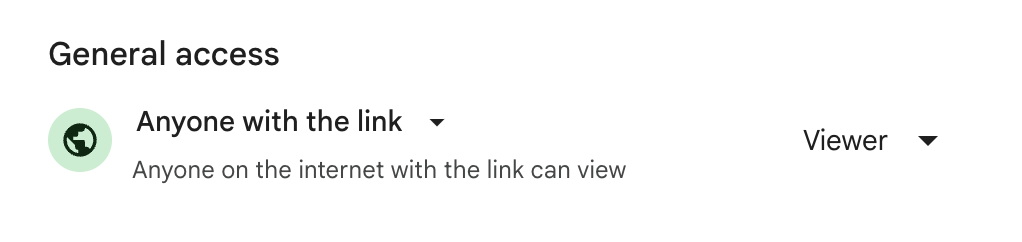
Copy the link to you sheet and paste it in the form at the top of this page and it will give you a link to your game.
You only need to do this once. Refresh the page as you add more events.
The game will automatically show 5 random events from the sheet per day. The game resets every day at midnight of the time zone of the player.
To support multiple languages:
An example of a Google Sheet with multiple languages can be seen here
Resulting games:
Contact us
Subscribe to our mailing list